Skip to content
ClassRows

Free Classroom Seating Chart Templates

Six blank seating chart templates for real classroom layouts. Print one as a Letter or A4 PDF and fill it in by hand, or open it online and let ClassRows add the names for you.

Printable vs. fill-in-online: which to use

A printable seating chart template is quickest when you want to sketch a plan with a pencil, or when you're in a room without a laptop. Filling in online is faster once you have a class list, because you paste the names instead of writing them.

Printable template Fill in online
Best forQuick sketches, planning meetings, rooms without a computerReal class lists, reshuffles, multiple periods
Adding namesWrite each one by handPaste your whole list at once
Changing seatsErase and rewriteDrag, or shuffle the whole class
Seating rulesKeep them in your headKeep apart, keep together, and front row, applied automatically
Number of desksFixed by the templateAdjust rows and desks to fit your class

Many teachers use both: a blank template to sketch the room on the first day, then the online version once the roster settles. Every template on this page opens in the classroom seating chart maker with the same layout, so nothing has to be redrawn.

Which template fits your room

Choose a seating chart template by your room and class size first, then by teaching style.

If your class…Start with
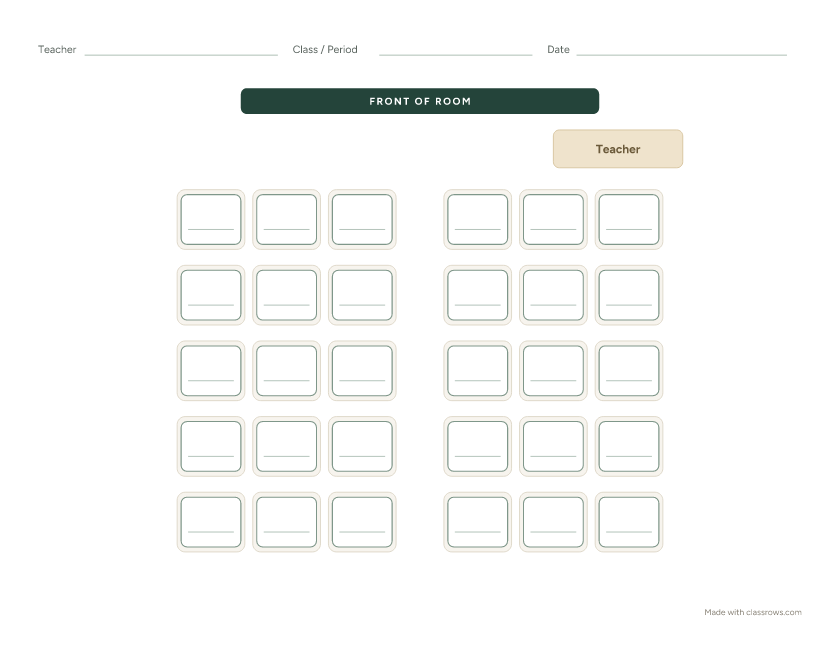
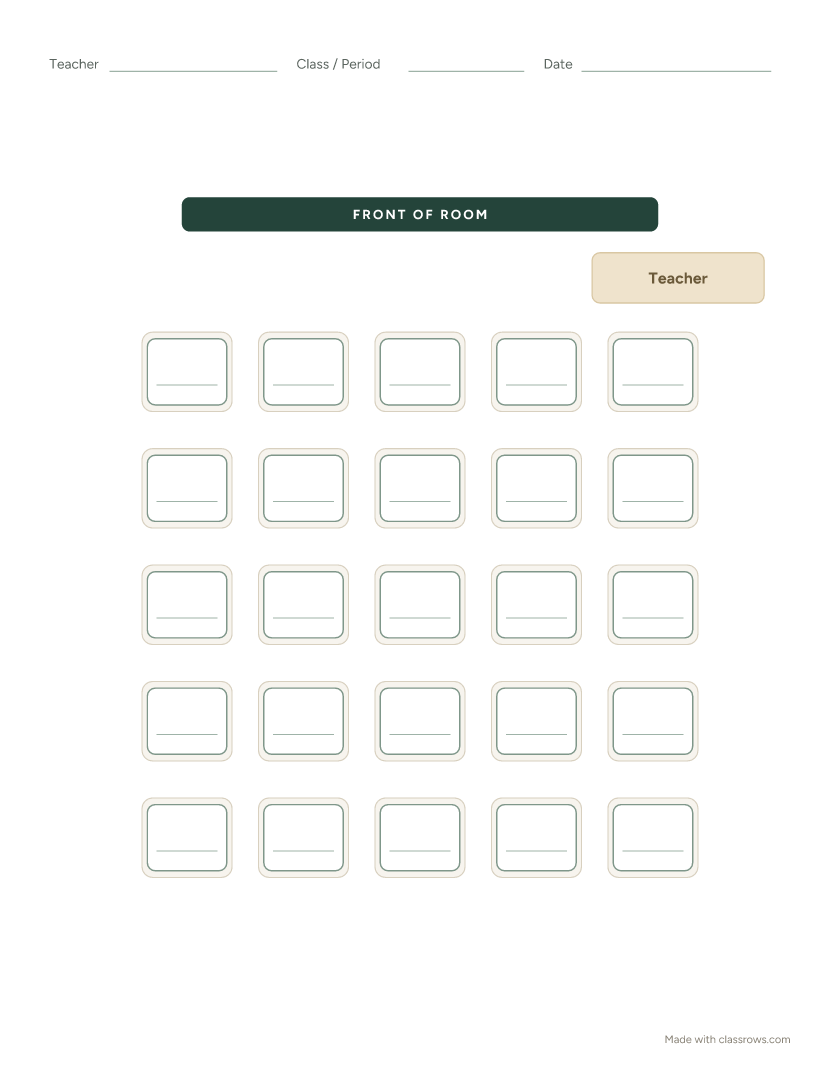
Has 28 or more students, in a standard rectangular roomRows: fits the most desks in the least space
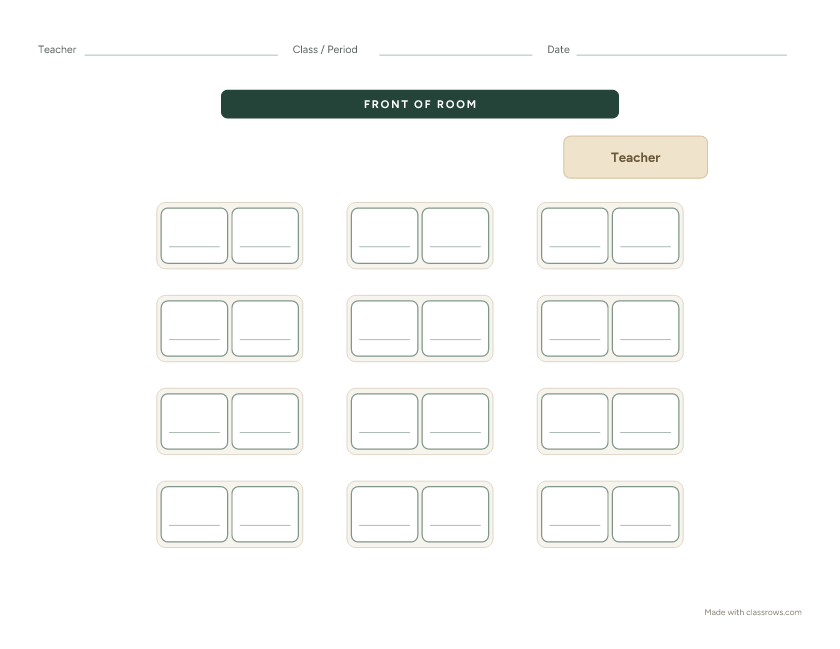
Has 20–28 students and does regular partner workPairs
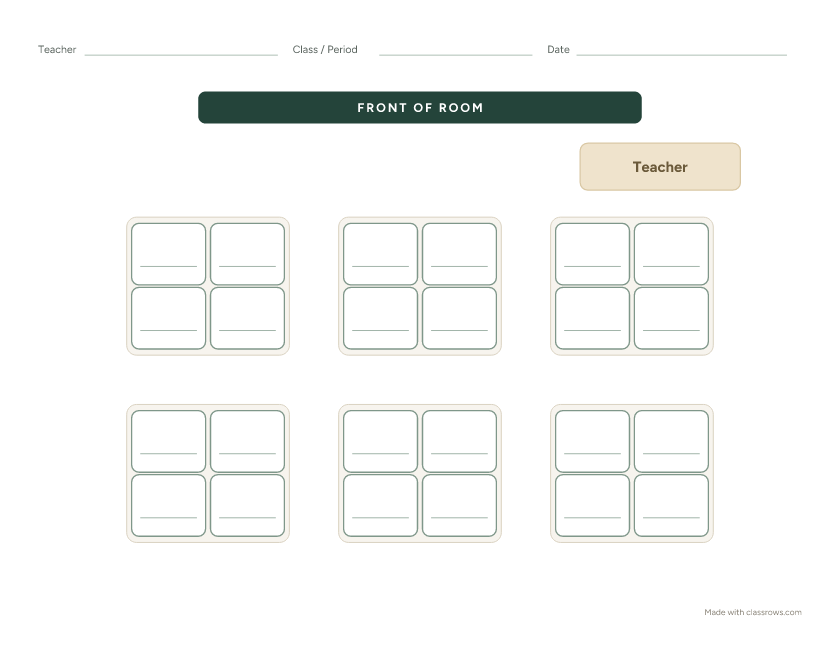
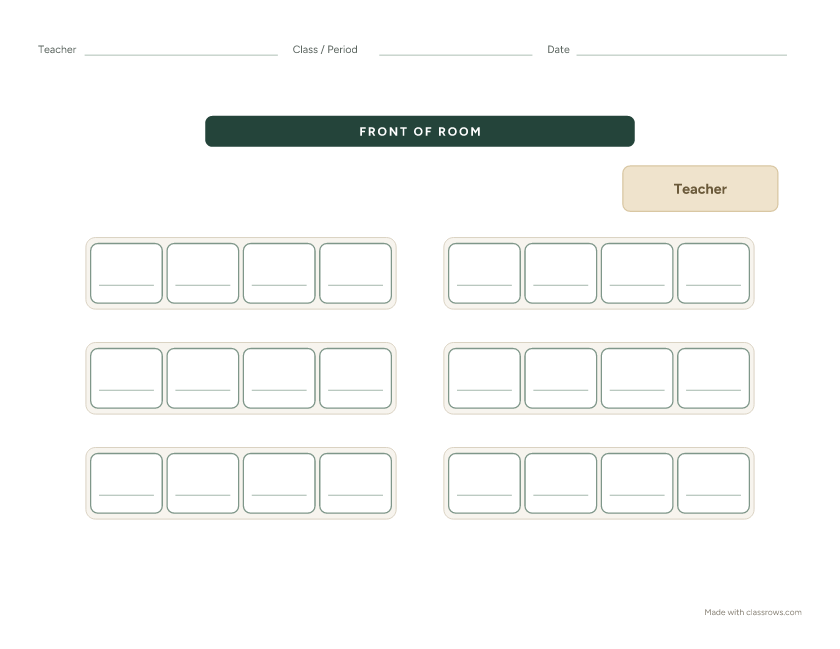
Has 16–28 students and sits at tables, not desksPods of 4
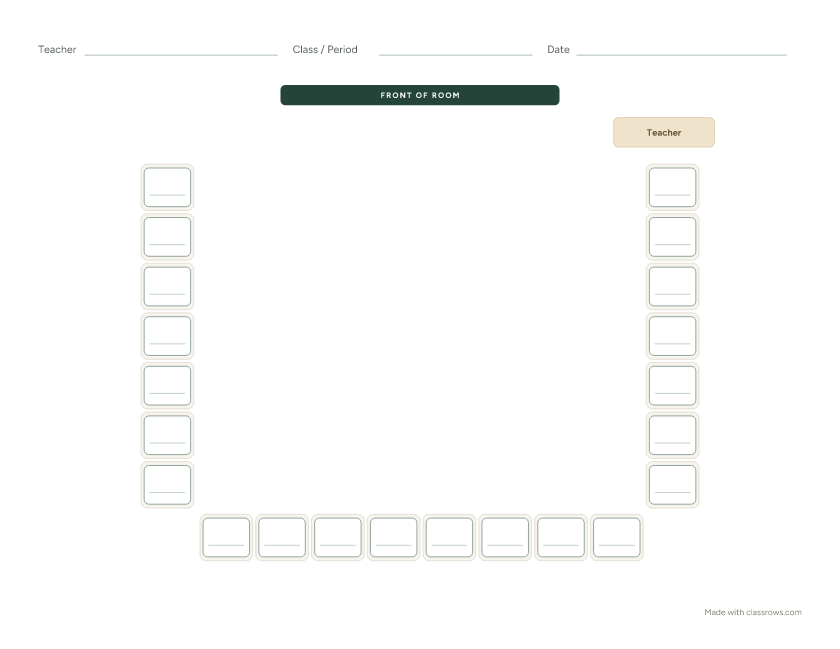
Has fewer students in a wide roomHorseshoe: needs open floor space in the middle
Is taking a test this weekTesting: plan for extra space between desks
Meets in a lab or computer room with fixed benchesLab benches

If your room doesn't match any template exactly, for example a different number of desks or an L-shaped room, open the closest one online and adjust the rows and desks, then drag desks to match. You can print the result as a blank chart too: just print before adding students.

How to use a blank seating chart template

  1. Pick the seating chart template closest to your room and download it on Letter or A4 paper.
  2. Fill in the header: class name or period, and the date. A chart without a date is the one that ends up in the sub folder three months too late.
  3. Mark the front of the room. Every template shows "Front of room." If your board is on a side wall, turn the page so it matches.
  4. Write names in pencil first. Seating plans rarely survive the first week unchanged.
  5. Make it reusable. Slide the printed chart into a sheet protector and write names with a dry-erase marker. You can reshuffle without printing a new copy.
  6. Make two copies: one for your clipboard and one for your substitute folder.

When writing and erasing names gets old, open the same layout online, paste your class list, and print a typed chart in under a minute.

Frequently asked questions

Are these seating chart templates free?

Yes. All six templates are free to download and print for classroom use, with no signup and no watermark.

Can I edit the templates?

The PDFs are made for printing and writing by hand. To edit a template, such as changing the number of desks, moving desks, or typing names, click Fill in online to open the same layout in ClassRows, where everything is editable.

Which paper sizes are available?

Every template comes in US Letter and A4, sized to print without scaling.

Can I make a seating chart template with a different number of desks?

Yes. Open the closest template online, adjust the rows and desks to fit your class, and print it before adding students to get a blank template that matches your room.

Can I share these templates with other teachers?

Yes. Share the PDFs with colleagues, include them in sub folders, or print them for your school. Please don't resell them.

Do I need an account to download them?

No. Downloads start right away, with no email required.

Ready to fill in names?

Open any layout online, paste your class list, and print a finished chart in under a minute. Free, no signup.

Fill in a template online